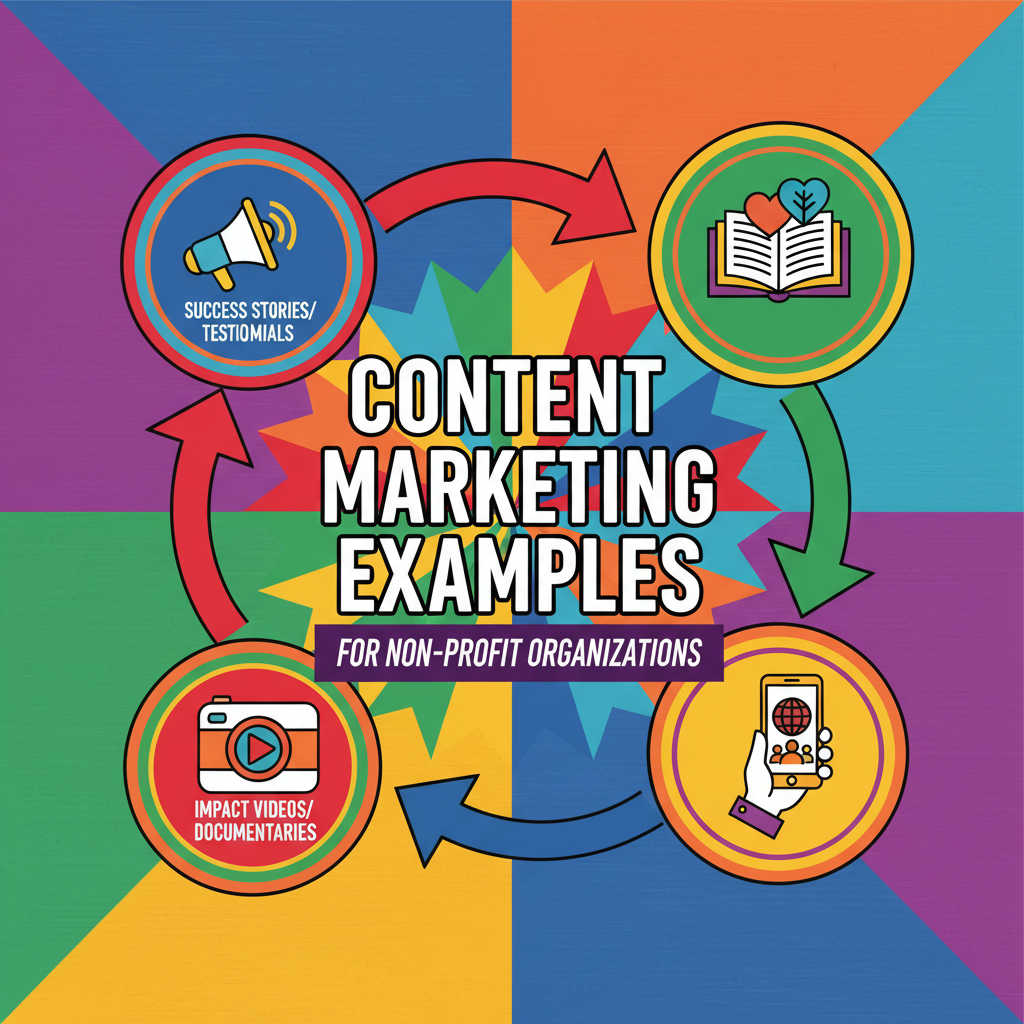

For small UK charities, passion and dedication are abundant, but budgets are often tight. Reaching potential donors and volunteers in a crowded digital landscape can feel like a monumental task. However, with the right approach, a powerful and cost-effective digital marketing strategy is well within your grasp. This guide will walk you through creating and implementing a low-cost digital marketing strategy tailored for small charities in the UK, helping you to amplify your message and maximise your impact without breaking the bank.
Understanding Your Audience: The Foundation of Your Strategy
Before you can effectively reach people, you need to understand who you’re trying to connect with. Creating detailed supporter personas is a crucial first step. Think about your ideal donors, volunteers, and advocates. Consider their demographics, such as age and location, but also delve deeper into their interests, motivations, and online habits. Knowing which social media platforms they use and the type of content they engage with will be invaluable in shaping your strategy.
Building a Strong and Credible Online Presence
Your website is often the first point of contact for potential supporters, so it’s essential to make a good impression. Ensure your website is user-friendly, mobile-responsive, and clearly communicates your mission. Even without a large budget, you can create a professional-looking website with a clear call-to-action for donations or volunteering.
A crucial and free tool to leverage is a Google Business Profile. This will help your charity appear in local search results and on Google Maps, making it easier for people in your community to find and support you. Encourage supporters to leave reviews, as positive feedback can significantly boost your credibility.
Harnessing the Power of Free and Discounted Tools
The digital world is full of free and low-cost tools designed to help non-profits succeed. Here are a few essential ones for your digital marketing strategy for small charities in the UK:
- Google for Nonprofits: This is a game-changer for eligible charities. It provides free access to a suite of powerful tools, including Google Workspace (for professional email and collaboration), and Google Ad Grants. The Google Ad Grant gives you a monthly budget for search ads, helping you to reach a wider audience and drive traffic to your website.
- Canva for Nonprofits: Create stunning, professional-quality graphics for your social media posts, website, and email newsletters with a free Canva Pro account for registered charities. This tool is incredibly user-friendly, even for those with no design experience.
- Social Media Management Tools: Platforms like Hootsuite offer free or discounted plans for charities, allowing you to schedule posts in advance and manage multiple social media accounts from one place.
Engaging Your Community Through Social Media
Social media is a powerful and cost-effective way to connect with your audience, share your stories, and build a community around your cause. You don’t need to be on every platform; instead, focus on the channels where your target audience is most active.
Here are some tips for an effective social media strategy:
- Tell compelling stories: Share the impact of your work through powerful stories and high-quality images and videos. User-generated content, where you share stories and posts from your supporters, can also be incredibly effective.
- Be consistent: Create a content calendar to plan your posts in advance and maintain a regular posting schedule.
- Engage with your followers: Social media is a two-way conversation. Respond to comments and messages promptly, and actively participate in relevant conversations.
- Use relevant hashtags: This will help new people discover your content and your cause.
The Enduring Power of Email Marketing
Email marketing remains one of the most effective ways to nurture relationships with your supporters and drive donations. Platforms like Mailchimp offer free plans for charities with a certain number of subscribers, making it an affordable option for small organisations.
To make your email campaigns successful:
- Personalise your emails: Address your subscribers by name and segment your audience to send targeted messages.
- Craft compelling subject lines: Your subject line is the first thing people see, so make it engaging and intriguing to encourage them to open your email.
- Have a clear call-to-action: Every email should have a clear purpose, whether it’s to ask for a donation, encourage event sign-ups, or share an important update.
Optimising for Search Engines (SEO) to Increase Visibility
Search Engine Optimisation (SEO) is the process of making your website more visible in search engine results. For a small UK charity, local SEO is particularly important. This involves optimising your website to appear for searches in your local area, such as “charity near me” or “donate to a local cause.”
Start with the basics:
- Keyword Research: Identify the keywords and phrases people are using to search for charities like yours. Tools like Answer the Public can provide valuable insights into what your audience is looking for.
- On-Page SEO: Ensure your website’s page titles, meta descriptions, and content include your target keywords.
Conclusion: Making a Big Impact on a Small Budget
A successful digital marketing strategy for a small UK charity doesn’t require a hefty budget. By understanding your audience, leveraging free and low-cost tools, and focusing on creating engaging content, you can significantly increase your online presence, attract new supporters, and ultimately, further your mission. The key is to be strategic, consistent, and authentic in your approach. Start implementing these low-cost strategies today and watch your cause grow.
![The Science of Giving: Bridging the Intention-Act [infographic]](https://digitalforcharities.co.uk/wp-content/uploads/2025/12/Gemini_Generated_Image_ewxkj4ewxkj4ewxk.png)
![Psychology of Giving: The Identifiable Victim Effect [infographic]](https://digitalforcharities.co.uk/wp-content/uploads/2025/12/Gemini_Generated_Image_1w85zh1w85zh1w85.png)