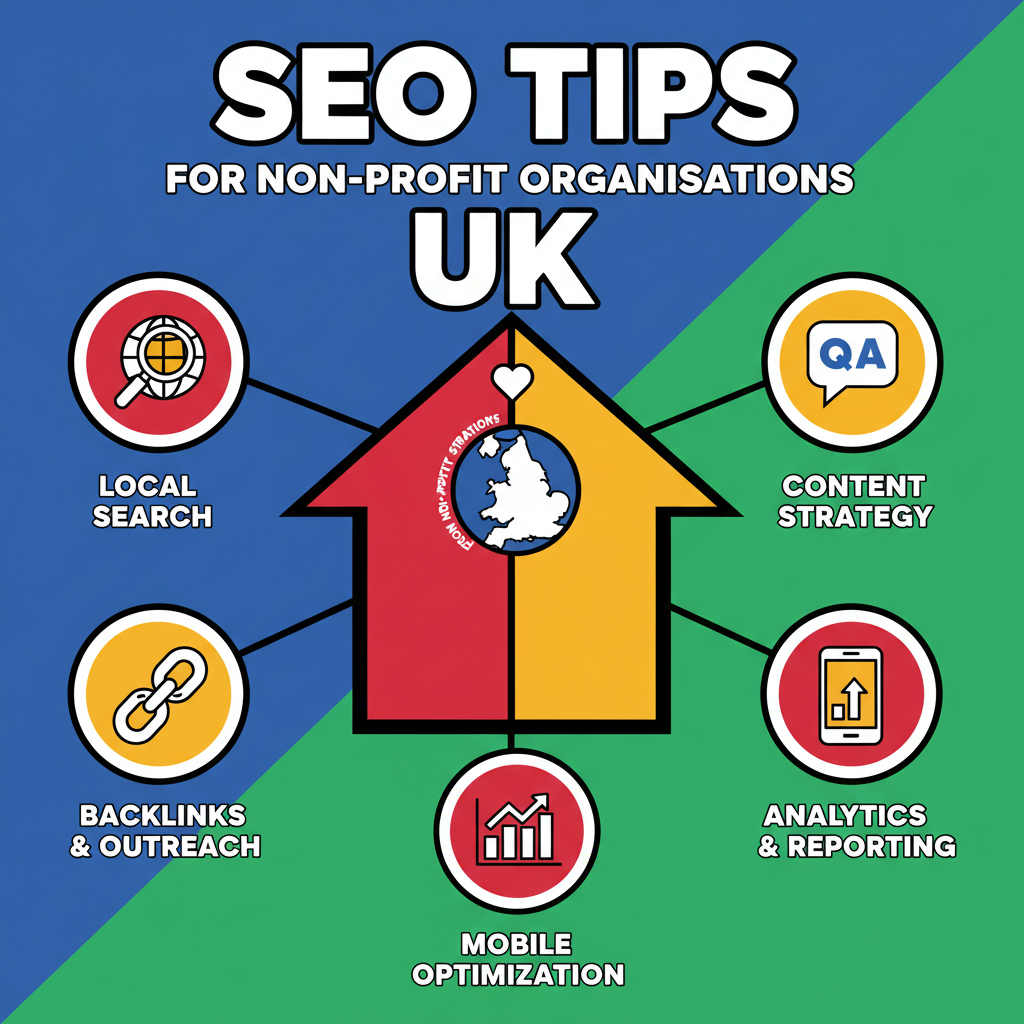

In the competitive digital landscape, a strong online presence is crucial for UK non-profits to reach more donors, attract volunteers, and connect with beneficiaries. Search Engine Optimisation (SEO) is a powerful and cost-effective tool to achieve this visibility. However, the world of SEO can seem complex and daunting, especially for organisations with limited resources. This is where a straightforward SEO audit comes in. By regularly assessing and improving your website, you can significantly enhance your search engine ranking and, ultimately, amplify your mission’s impact. This article provides a quick and easy SEO audit checklist specifically tailored for UK non-profits.
Understanding the SEO Landscape for Charities
SEO for non-profits differs from the corporate world. The focus is not just on driving traffic, but on building trust, demonstrating credibility, and encouraging engagement. Google’s E-E-A-T (Experience, Expertise, Authoritativeness, Trustworthiness) guidelines are particularly relevant for charities, especially those dealing with sensitive issues. A successful SEO strategy for a non-profit will increase online visibility, which can lead to more donations, volunteer sign-ups, and greater awareness for your cause.
The SEO Audit Checklist for UK Non-Profits
This checklist is broken down into three core areas: on-page SEO, technical SEO, and local SEO. Regularly reviewing these elements will help you identify areas for improvement and stay ahead in the digital space.
1. On-Page SEO: The Content that Connects
On-page SEO refers to optimising the individual pages of your website. It’s about making your content clear and valuable to both users and search engines.
- Keyword Research: Understand the terms and phrases your target audience uses to find organisations like yours. Think about what potential donors, volunteers, or service users might type into Google. Free tools like Google Keyword Planner can be a great starting point.
- High-Quality Content: Your content is your most valuable asset. Create informative blog posts, detailed impact stories, and clear descriptions of your services. This not only engages your audience but also signals your authority to search engines.
- Optimised Title Tags and Meta Descriptions: These are the first things users see in search results. They should be compelling, include your primary keyword, and accurately describe the page’s content.
- Clear Headings and Structure: Use headings (H1, H2, H3) to structure your content logically. This improves readability for users and helps search engines understand the hierarchy of your information.
- Image Optimisation: Use descriptive file names and alt text for your images. This improves accessibility and provides search engines with additional context about your content.
- Internal Linking: Link to other relevant pages on your website. This helps users discover more of your content and allows search engines to crawl your site more effectively.
2. Technical SEO: The Foundation of Your Website
Technical SEO focuses on the infrastructure of your website, ensuring it’s easy for search engines to crawl and index. While it can sound complicated, there are some fundamental checks you can perform.
- Mobile-Friendliness: A significant portion of your audience will visit your site on a mobile device. Your website must be responsive and provide a seamless experience on all screen sizes. Google prioritizes mobile-friendly sites in its rankings.
- Website Speed: Slow-loading pages can frustrate users and negatively impact your ranking. Use tools like Google PageSpeed Insights to check your site’s performance and identify areas for improvement.
- Secure Website (HTTPS): Ensure your website has an SSL certificate. This encrypts data and is a crucial trust signal for both users and search engines.
- Check for Broken Links: Broken links (404 errors) create a poor user experience and can harm your SEO. Regularly use a tool to crawl your site and fix any broken links.
- Submit a Sitemap: A sitemap is a file that lists all the pages on your website, helping search engines to find and index your content more efficiently. You can submit your sitemap through Google Search Console.
3. Local SEO: Connecting with Your Community
For many UK non-profits, local connections are paramount. Local SEO helps you appear in searches from people in your immediate community.
- Google Business Profile: Claiming and optimising your free Google Business Profile is essential for local SEO. Ensure all your information is accurate and up-to-date, including your address, phone number, and opening hours.
- Local Keywords: Incorporate location-specific keywords into your website content. For example, “animal shelter in Manchester” or “food bank near Bristol”.
- Online Directories: Ensure your non-profit is listed in reputable UK charity directories and other local online listings. Consistency in your name, address, and phone number (NAP) across these platforms is key.
- Encourage Reviews: Positive reviews on your Google Business Profile and other platforms build trust and improve your local search ranking.
Measuring Success and Moving Forward
An SEO audit is not a one-time task but an ongoing process. To track the effectiveness of your efforts, monitor key metrics using tools like Google Analytics and Google Search Console. Pay attention to organic traffic, keyword rankings, and conversion rates (such as donations or volunteer sign-ups). By regularly conducting this quick and easy SEO audit, UK non-profits can demystify SEO and harness its power to connect with more supporters, amplify their message, and ultimately, maximise their mission online.